Early product work is full of conversations that go nowhere because everyone is imagining something different. The founder pictures a calm, minimal app; the developer pictures a dashboard; the potential customer pictures something they already use. Words like “clean”, “friendly” and “premium” mean different things to every person in the room. A quick image can end those circular discussions faster than another meeting.
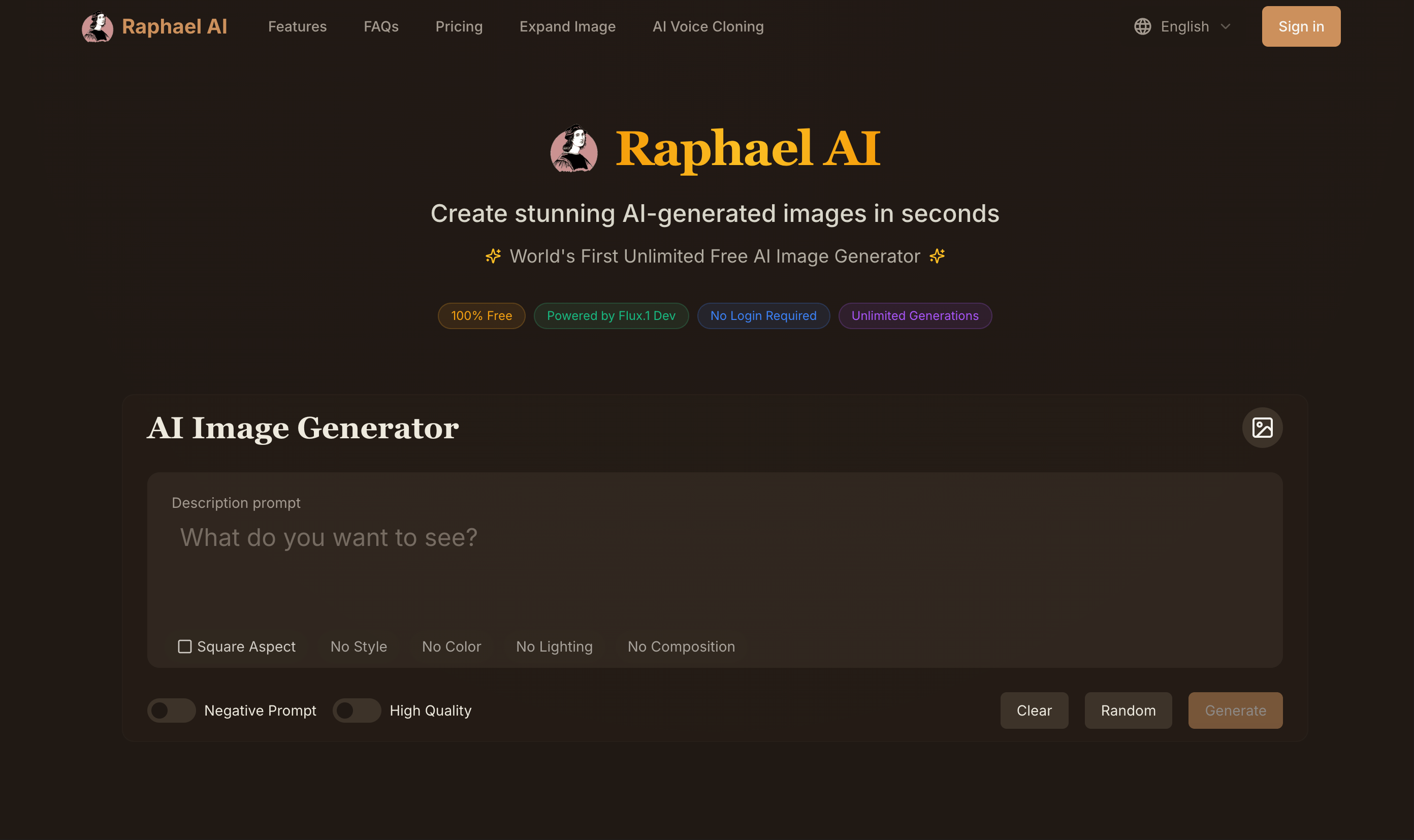
This article describes how a small product team can use Raphael AI, a free AI image generator available at https://raphael.app, during the fuzzy front end of product design: positioning, mood, illustrations and marketing concepts. It also covers where generated images do not belong in the process, because using the right tool at the wrong stage creates more confusion than it removes.
Where generated images help
The tool is most useful before anything is decided. In that phase you need many cheap options to react to, not a single polished artifact. Specific uses that have worked for teams I have advised:
- Mood and brand direction: exploring what “warm and trustworthy” or “playful but serious” might look like.
- Illustration styles: testing whether flat vector, soft 3D, hand-drawn or photographic imagery suits the product.
- Hero imagery for landing page tests: creating a few variants for a smoke test before any product exists.
- Persona visualization: giving a written customer persona a setting and context so the team remembers it.
- Pitch and internal decks: illustrating a concept slide without spending a designer’s time.
Where they do not belong
- Actual user interface design. Generated “app screenshots” look plausible at a glance but contain nonsense layouts, illegible text and impossible interactions. Use wireframes and real design tools for UI.
- Final brand assets. Logos, icon systems and brand illustration libraries need intentional, consistent, ownable design.
- Anything presented to customers as the real product. A mockup that implies features that do not exist erodes trust when the product launches.
Keeping this boundary explicit stops the team from mistaking a mood image for a spec.
Running a mood session
A mood session is a forty-five-minute meeting with one person driving the generator on a shared screen. The steps:
- Collect adjectives. Ask each person for three words describing how the product should feel. Write them all down.
- Translate adjectives into visual terms. “Calm” might become “soft daylight, muted palette, lots of empty space”. “Energetic” might become “saturated colors, diagonal composition, motion blur”.
- Pick a neutral subject. Use the same subject for every generation, such as “a person using a laptop at a kitchen table” or “a small desk with a notebook and plant”. A fixed subject isolates style as the only variable.
- Generate rounds. For each visual translation, generate four images. Raphael AI returns variations quickly, so a full round takes a minute or two.
- Vote and annotate. Everyone marks images they like and dislike with one-sentence reasons.
The reasons are the real output. “Too corporate”, “feels like a bank”, “too childish”, “this is it, but warmer” are precise inputs for a designer, far better than the original adjectives.
Testing illustration styles
Many products use illustration on landing pages, empty states and onboarding. Choosing a style early prevents a patchwork later. Run one subject through several styles:
- “flat vector illustration with bold shapes and a limited palette”
- “soft 3D clay render with rounded forms and pastel colors”
- “loose ink and watercolor sketch”
- “isometric illustration with clean lines”
- “editorial photograph with natural light”
Put the results next to your logo and primary color. Some styles will clash immediately; others will feel like they belong. This exercise usually narrows the field to one or two directions in a single session, which the designer can then develop properly.
Landing page smoke tests
Before building, some teams test demand with a landing page and a sign-up form. A hero image that conveys the benefit, not the interface, can make the test more realistic. For a meal-planning app, rather than a fake screenshot, try “a relaxed family around a dinner table on a weeknight, warm light, a handwritten weekly menu on the fridge in the background, editorial photograph”.
Generate two or three different emotional angles (relief, togetherness, health) and test them against each other. The winning angle tells you something about your positioning, not just your imagery.
Be careful not to depict specific outcomes the product cannot deliver. A benefit-oriented scene is fine; an image implying guaranteed results is not.
Persona scenes
Written personas are easy to forget. A single image of the persona’s context, not their face, can make them memorable: “a busy nurse’s car dashboard at the end of a night shift, coffee cup, phone mount, sunrise through the windshield”. Pin it next to the persona document. When the team debates a feature, someone will inevitably ask, “would she have time for this at the end of a shift?”
Avoid generating realistic faces meant to represent real customer segments, which can introduce stereotypes. Contexts and objects carry the story without that risk.
Handing off to a designer
At the end of the exploration phase, package what you learned:
- the adjectives and their visual translations
- the images the team preferred, with reasons
- the rejected directions, with reasons
- the chosen illustration style candidates
- the landing page test results
Frame this explicitly as direction, not as assets to copy. Good designers welcome this kind of brief because it replaces vague preferences with concrete reactions.
Practical notes
- Free generations on the site include a watermark; for internal exploration that does not matter.
- If any image will be used publicly, such as on a smoke-test landing page, check the current plan terms on https://raphael.app regarding commercial use and watermark-free output.
- Save every prompt alongside its image. Months later, the prompt explains the decision better than the picture does.
Closing thought
Early product decisions are often made on vibes, and vibes are hard to discuss. Turning them into images, quickly and cheaply, gives the team something concrete to agree or disagree with. Used in the exploration phase and kept away from UI specs and final brand assets, a free generator like Raphael AI can shorten weeks of circular debate into a couple of focused sessions.

Comments
No comments yet. Be the first to react!